/Builder
How To Build An AI Tool For Your Marketing Team Without Writing Code
You can build a functional AI tool for your marketing team using no-code platforms and structured prompting patterns — no developer required.
Short answer
You can build a functional AI tool for your marketing team without writing code by starting with one repeatable task.
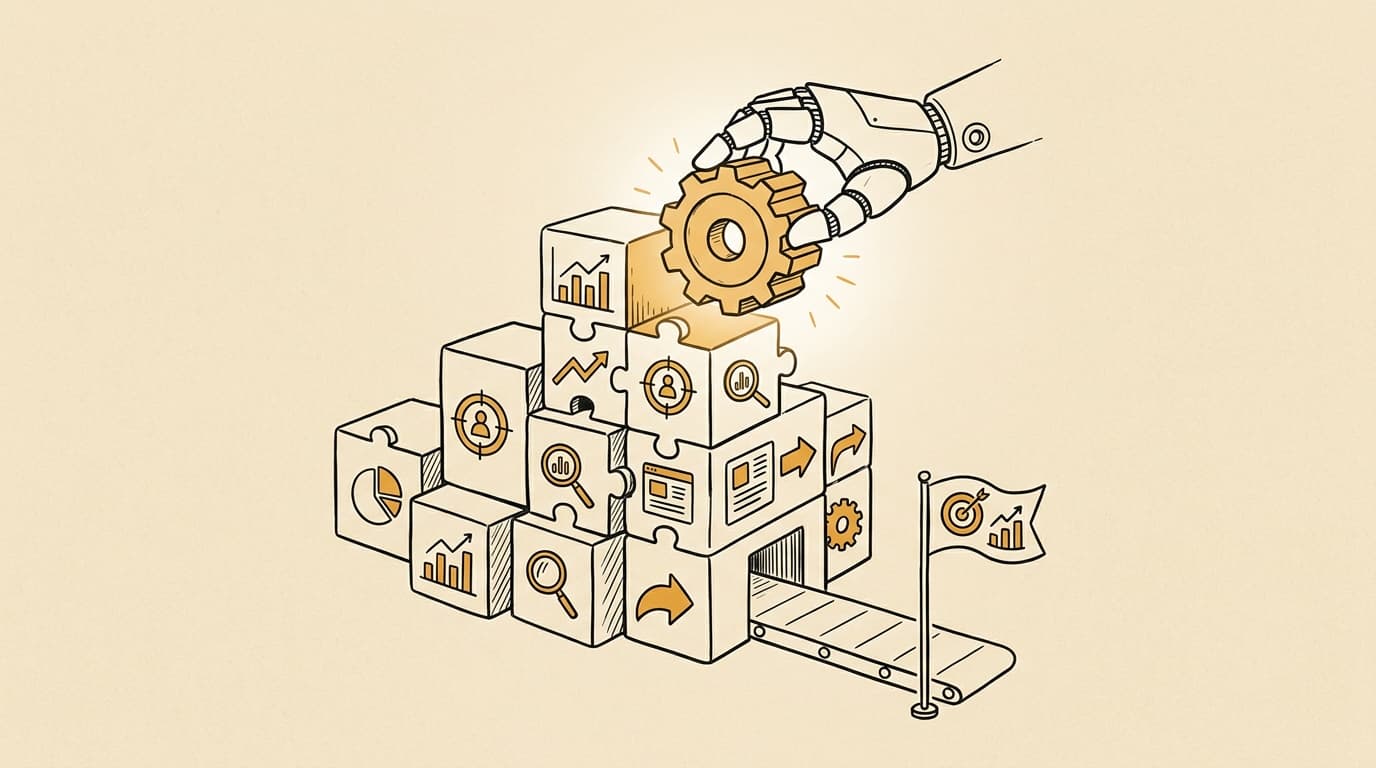
Yes, marketers can build functional AI tools without writing a single line of code.
The phrase "building without code" does not mean clicking a button and getting an app. It means using platforms that handle the infrastructure — the API calls, the data routing, the interface scaffolding — while you focus on defining what the tool needs to do, what input it takes, and what a good output looks like.
That last part is the real work. And it turns out to be work marketers are already trained for.
The first sprint in the Prova Builder Path produces exactly this: a working AI tool, built by a marketer, with no code written. Not a demo. Something a real person tested and found useful. That outcome is repeatable if you approach it the right way.
What does "building without code" actually mean?
It means specifying behavior instead of writing instructions a computer executes directly.
A developer writes: fetch this data, run this function, return this output. A no-code AI builder writes: given this input, apply this reasoning process, and return output in this format. The AI model or platform executes the mechanics. Your job is to get the specification right.
This is harder than it sounds. Most people underestimate how much precision is required to get an AI tool to do something consistently useful. Vague specifications produce inconsistent output. The discipline of no-code AI building is mostly the discipline of being precise about what you want before you ask for it.
What this path does not do: replace every use case for real engineering. A no-code tool built around a specific prompt pattern and a simple input/output interface is not the same as a production-grade application with authentication, audit logs, and enterprise security. Know what you are building and what you are not.
What task should you start with?
One task. Not your whole content calendar. Not your entire campaign reporting workflow. One task.
The right starting task has three properties:
-
You do it repeatedly. At least weekly, ideally daily. If you only do it occasionally, the tool does not have enough chances to prove its value.
-
It has a clear, consistent input. A brief document. A transcript. A list of URLs. A spreadsheet row. If the input format changes every time, the tool will struggle.
-
You can judge whether the output is good. This is the most important constraint. If you cannot tell, in under two minutes, whether the tool's output is useful or not, the task is not well-specified enough yet.
Some examples of good starting tasks for marketers:
- Reviewing a new campaign brief against a standard set of quality criteria
- Summarizing a competitor's recent content updates from a set of URLs
- Drafting the client-status section of a weekly report from project notes
- Flagging common errors in a paid media campaign setup checklist
All of these are narrow. All of them have clear inputs. All of them have outputs a marketer can evaluate in under two minutes.
What tools do you actually need?
Three categories cover most use cases at this stage:
Prompt orchestrators let you build multi-step AI pipelines without code. You define inputs, connect them to one or more AI model calls with specific prompts, and route the output somewhere useful. Most have a visual interface.
No-code automation platforms connect AI model calls to the tools your team already uses — Google Docs, Sheets, Notion, Slack, email. They handle triggers, data movement, and formatting.
LLM APIs with UI wrappers let you build lightweight interfaces around direct model calls. If you want a form-based tool your team opens in a browser tab, these often give you the fastest path to something usable.
You do not need all three categories. You need one that fits the task you identified. Start with what takes the least configuration to get a first working version running.
Do not let platform selection become the blocking decision. The spec matters more than the stack.
How do you know when it's working?
Not when the demo looks impressive. When a real person uses it in their actual workflow and tells you it saved them time or improved their output.
This distinction matters. A lot of AI tools look great in a demo and fail the first time a real user with a real messy input tries them. The tool has "worked" when:
- A real user ran their real inputs through it at least three times
- The output was useful without needing significant manual correction
- The user would choose to use it again over doing the task manually
If you cannot get someone to test it, you do not have a tool yet. You have a prototype.
I have to admit: I have built tools that passed my own demo test confidently and fell apart on someone else's first real use. The gap between "this works for my example inputs" and "this works reliably" is where most no-code AI projects quietly die.
The Prova loop
The hardest part of building without code is not choosing a platform or writing a good prompt. It is the discipline of scope. Starting narrow, defining what "good enough" looks like before you start, testing with a real user rather than yourself, and then iterating based on what they actually found useful.
That sequence is the first sprint in the Prova Builder Path. You identify the task, write the build spec, build the first version, and submit it with evidence of real user testing. The review process checks whether the output actually worked, not whether you followed a tutorial correctly.
Most marketers who complete that sprint are surprised by two things: how fast the first version comes together, and how different the real version is from what they imagined before they started.
Both surprises are useful.